- Features -

Exclusive Features

Everything you need to run a smooth, professional scheduling experience for your business and clients.

Easier for Clients

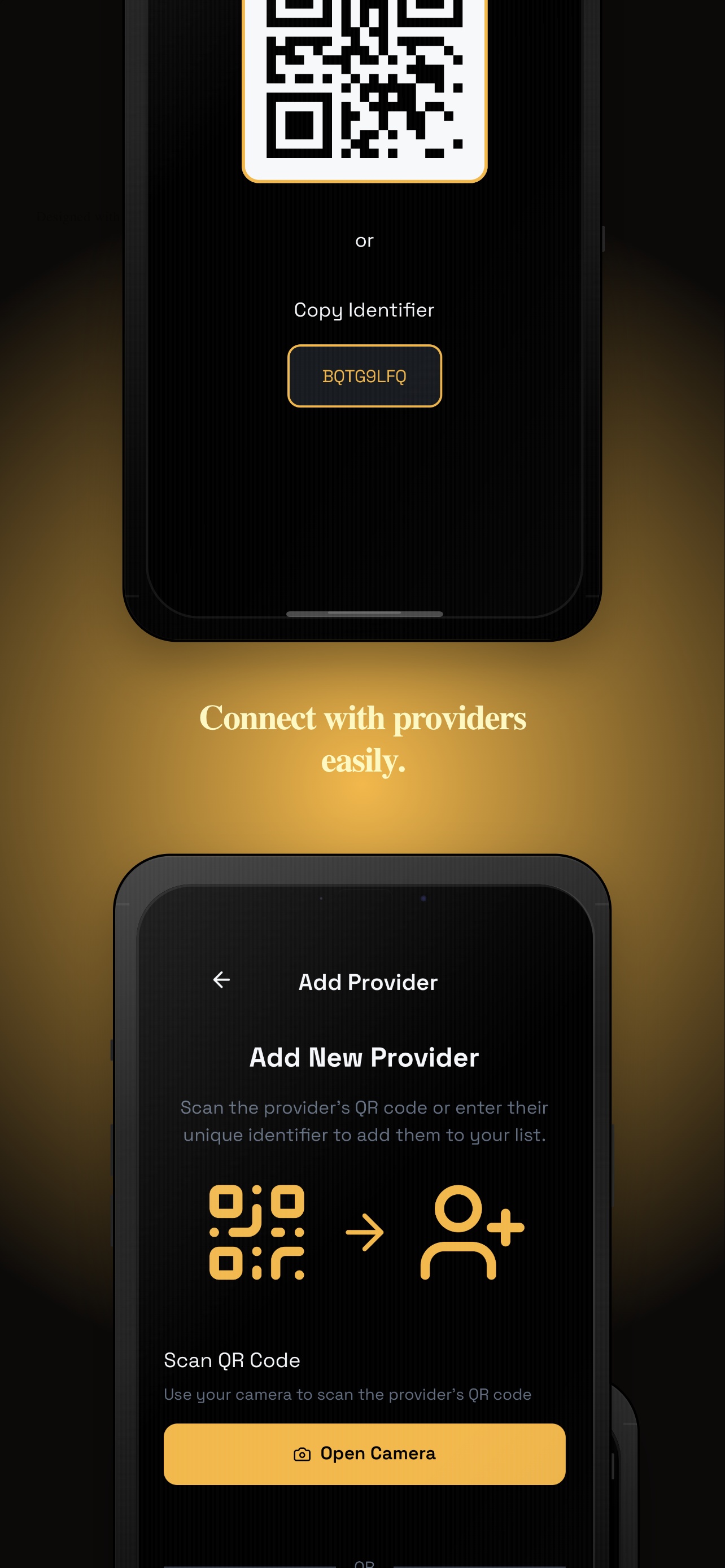
Clients scan you and can book appointments online 24/7 — no more back-and-forth calls or

Easy To Use

Set up your Schedy profile in minutes. No technical knowledge required — just sign up and start providing your services.

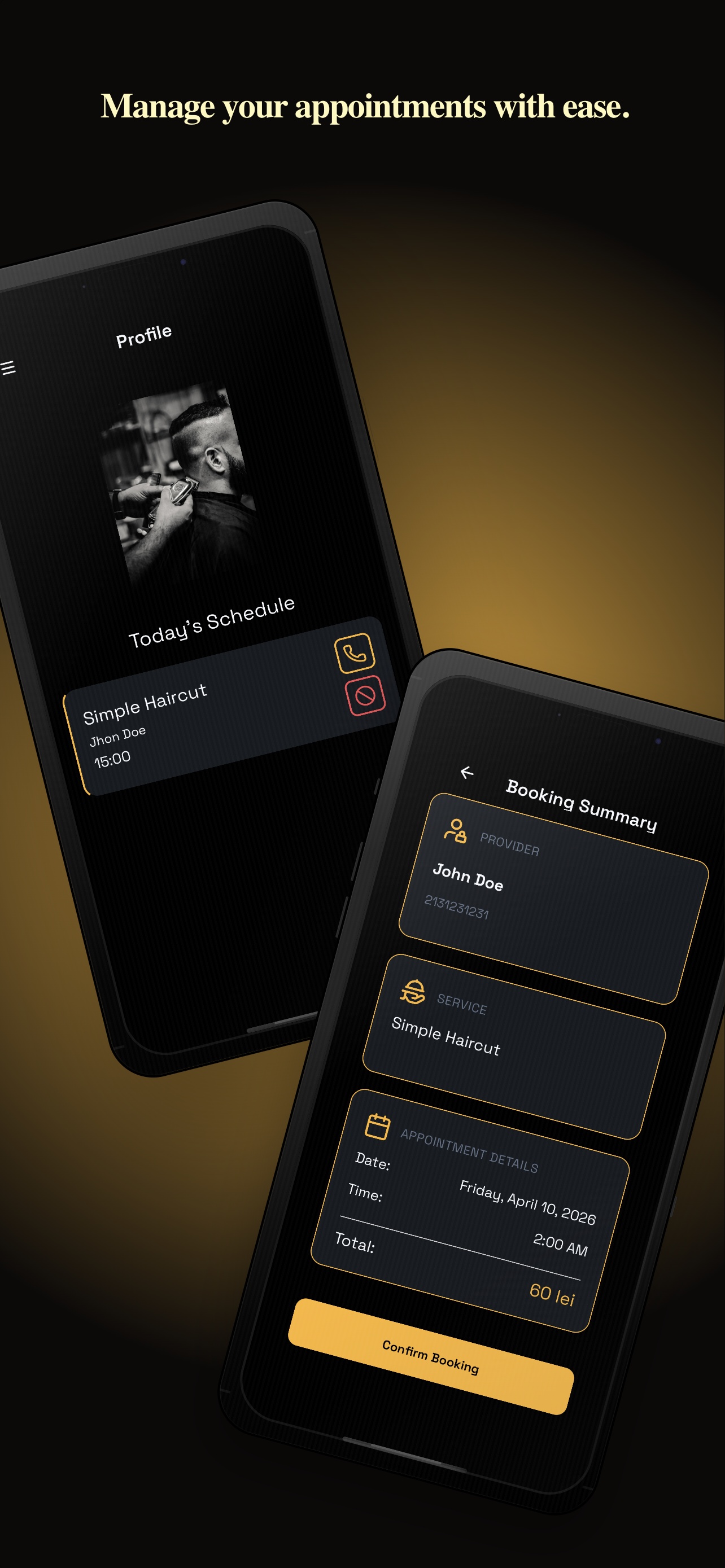
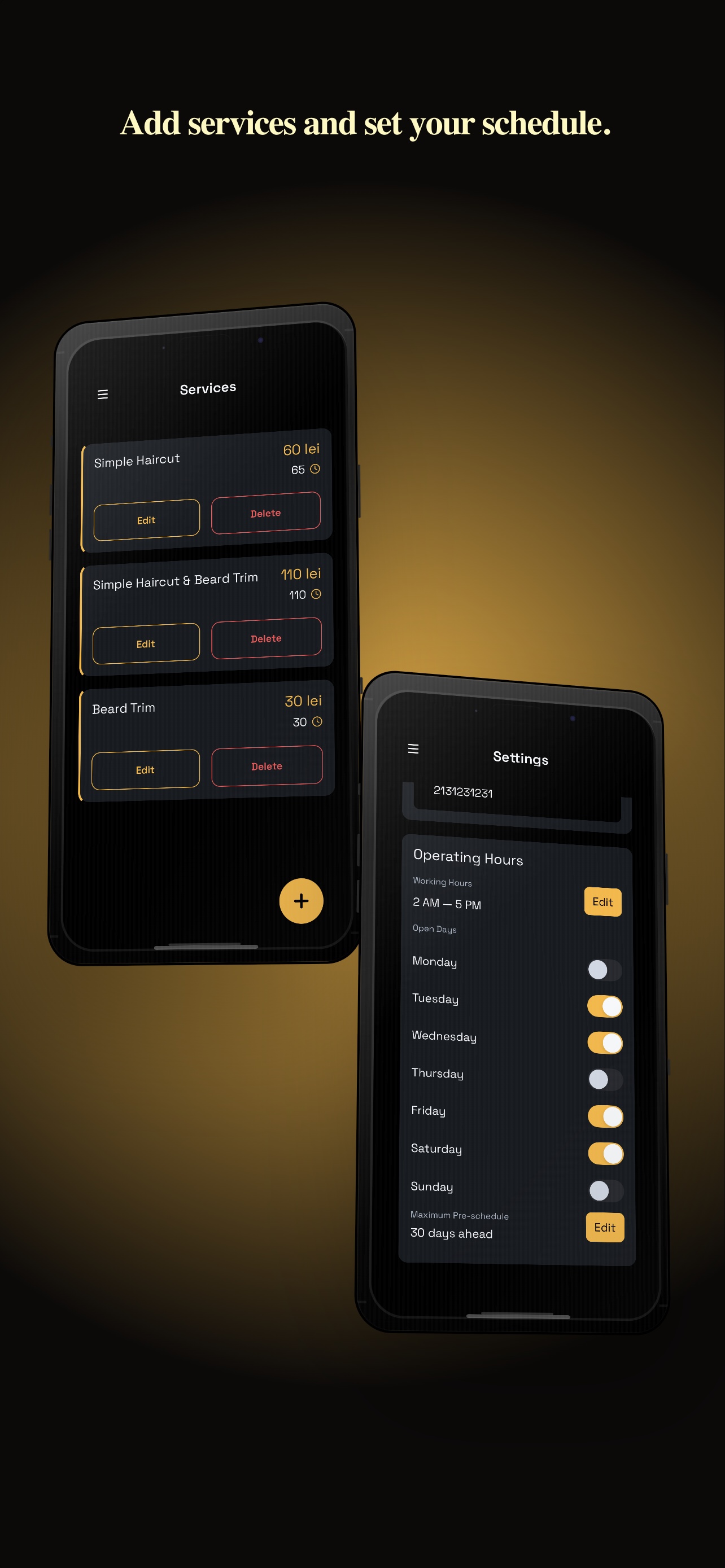
Manage Schedule

Set your schedules based of your services, no warries about overlapping appointments. Schedy will automatically manage your calendar and prevent double bookings, so you can focus on providing great service.

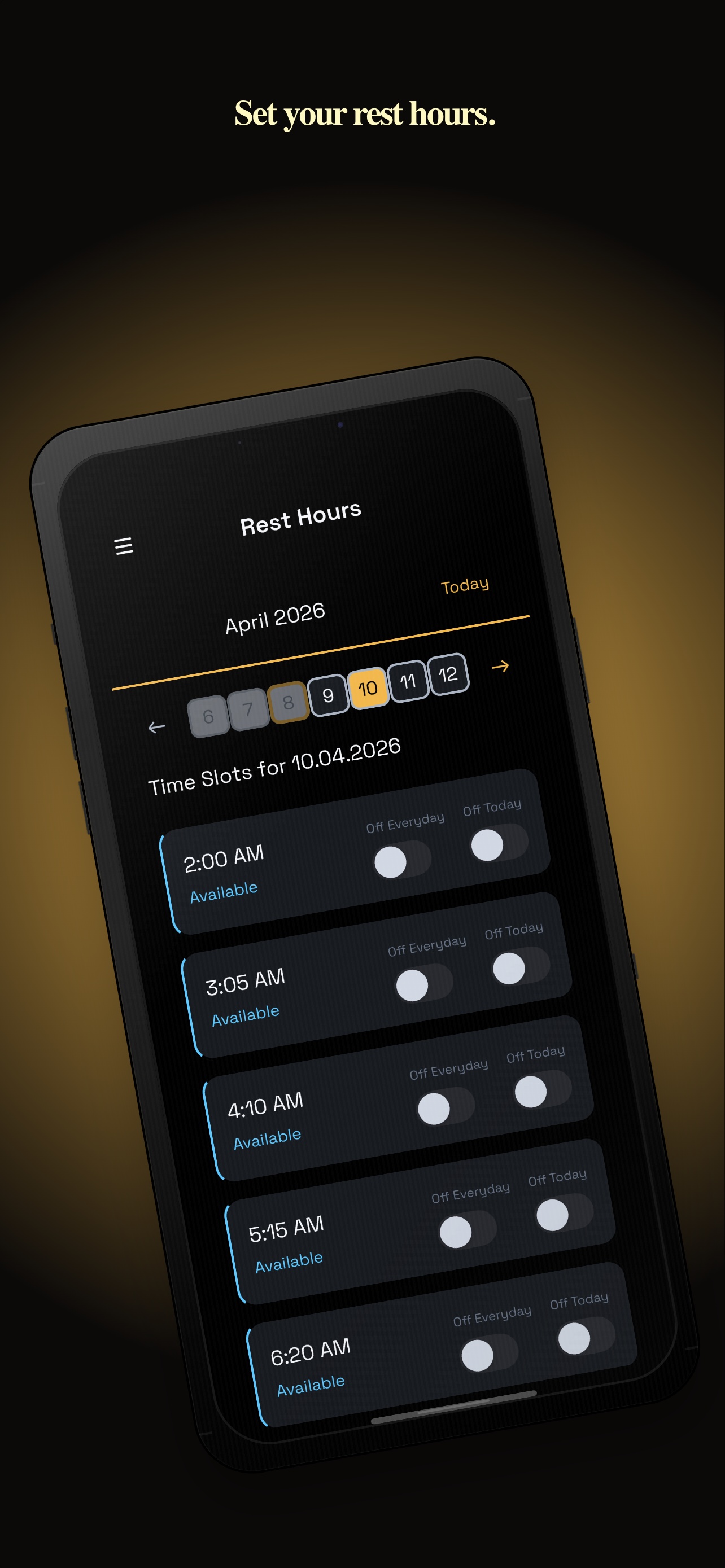
Set Free Hours

Easly manage your availability by setting free hours for each day. Clients can only book during these times, giving you full control over your schedule.

- Screenshots -

Mobile App ScreenShots

Take a look at the Schedy app in action. Clean, intuitive, and built for real-world use.

- FAQ -

Frequently Asked Questions

Have questions about Schedy? Here are some of the most common questions we get asked.

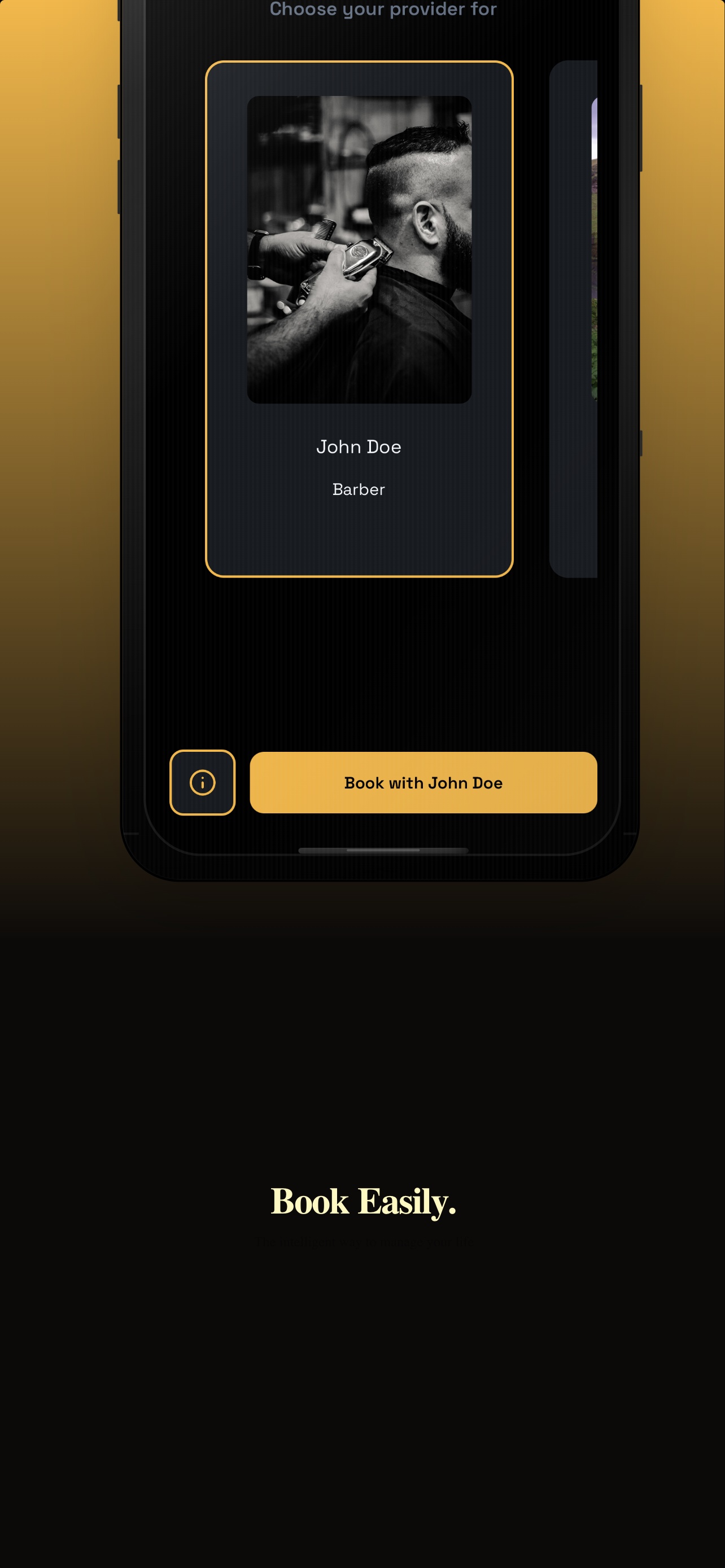
Clients needs to download the app and create an account. When they log in, they need to scane your QR code to connect with you. After that, they can book appointments by selecting the service they want, choosing an available time slot, and providing their contact information.

The app is free for the clients to use, but the business owners will have to pay a subscription fee to use the app and its features.

Yes, you can use the app on multiple devices. You can log in to your account from any device and access your schedule and appointments.

The app takes security very seriously. We use industry-standard encryption to protect your data and ensure that your information is safe and secure.

The schedy app provides an easy-to-use interface for managing your schedule. It generates your schedules automatically as you set your service durations. You can set your availability, view upcoming appointments, and make changes to your schedule as needed. The app also sends you notifications about upcoming appointments and allows you to communicate with your clients directly through the app.

The schedy app allows you to set your free time slots or off days easily. You can go to the settings section of the app and select the days and times when you are available for appointments. You can also set specific time slots as unavailable if you have other commitments during those times. This way, clients will only be able to book appointments during your available time slots, giving you full control over your schedule.

- Most flexible one page -

Get Mobile App

Download Schedy and start accepting bookings today. Available on iOS — more platforms coming soon.

IOS